
How to set your festive attire
1 minute read
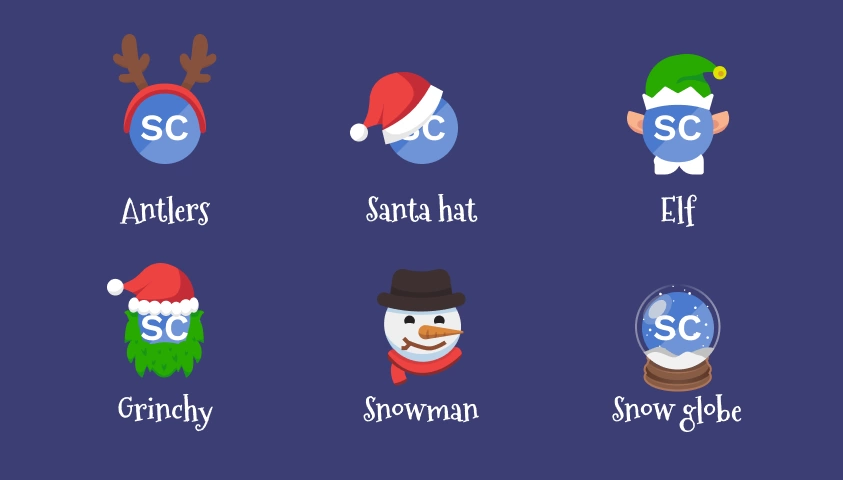
In the month of December, you may notice your avatar is suddenly dressed in festive attire. By default, your outfit will change each time you visit a new page. However, if you prefer, you can also select a specific outfit to keep throughout the season.
To select a preferred outfit follow these steps:
- Whilst signed in...
- Select your profile picture (bottom-left)
- Select Update my profile from the menu that appears
-
Find the field Festive attire and select an outfit:
- Random (default) your outfit will change each time you visit a new page.
- Antlers
- Elf
- Grinchy
- Santa hat
- Snowman
- Snow globe
- No attire incase you really don't want a festive outfit.
- Select Save to update your outfit